
How to Install Modpacks on CurseForge
Oct 17, 2024
1 min read
CurseForge Download- https://www.curseforge.com/download/app
Open the CurseForge app
Click Import in the top left corner

Find the file corresponding to the modpack you want to install and open it

Click play on the modpack
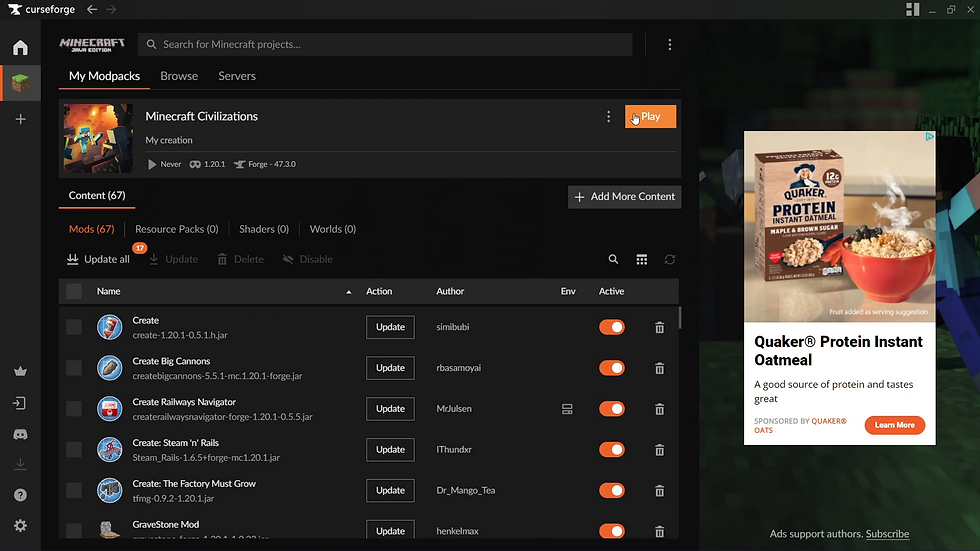
Wait for the Minecraft launcher to open
Click play at the top
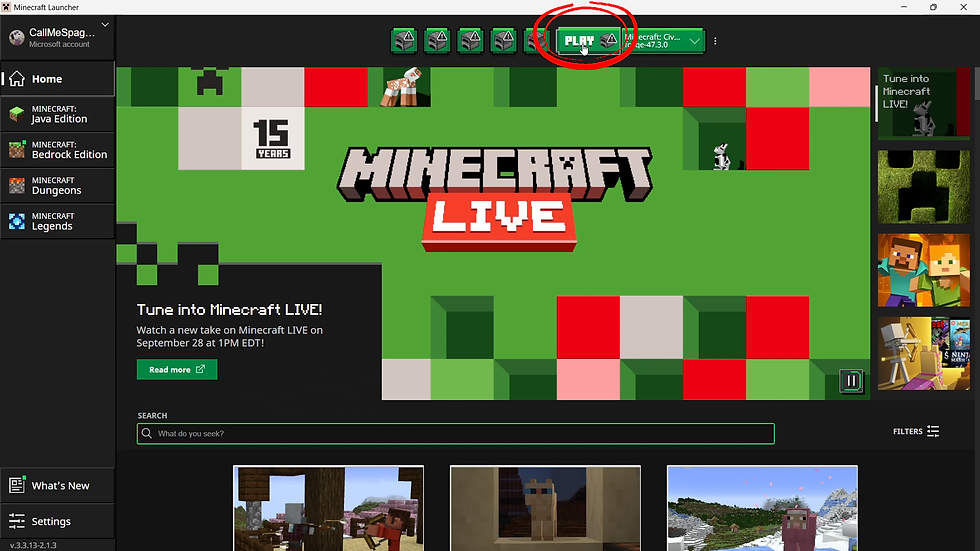
Click play

Wait for the red loading screen to appear and the loading to finish


Comments